Backend.AI
-
- OpenSource26.1
- EnterpriseR2
Transforming GPU complexity into simplicity
Backend.AI is an open-source AI Infrastructure OS that frees developers and data scientists from hardware complexity. Backend.AI supports 11+ heterogeneous accelerators from GPUs to NPUs, and ASICs like TPUs, plus seamless high-performance storage integration. Unlock your AI and HPC potential from training to inference with Backend.AI.
Turning infrastructure from a limitation into a competitive edge
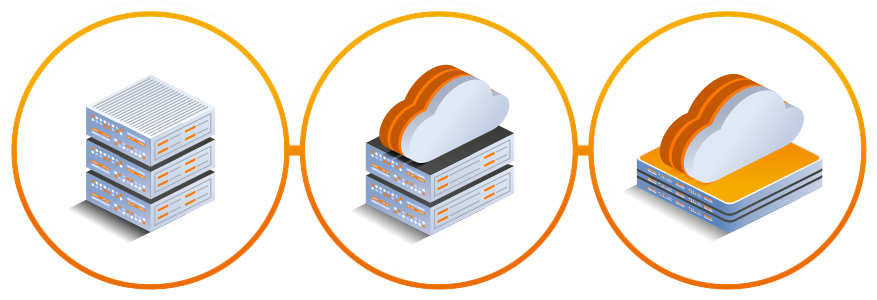
Backend.AI ensures reliable AI operations across any environment, whether on‑premises, in the cloud, or in hybrid settings. Even in isolated offline networks, it delivers the same stability and usability. Whatever your infrastructure, Backend.AI is ready to power your AI business with confidence.
A vendor‑neutral platform supporting 11+ AI accelerators
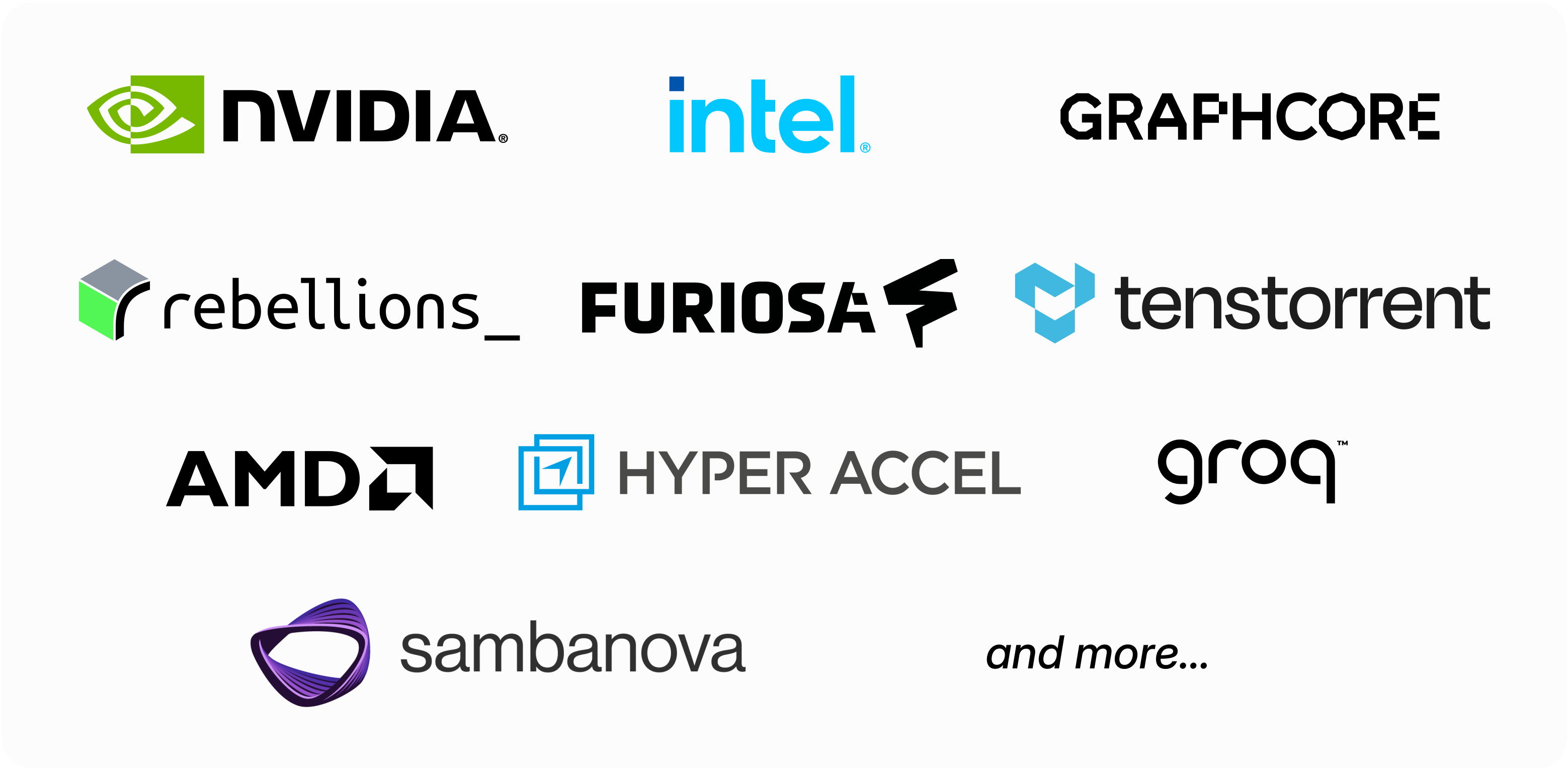
Backend.AI supports the latest NVIDIA GPUs including Blackwell, as well as Intel Gaudi, AMD Instinct, Rebellions ATOM+, Furiosa RNGD, and more. Choose the right accelerator for your workload and budget, and even run heterogeneous hardware side by side. Adding new accelerator types is effortless. Backend.AI manages them consistently through a unified abstraction layer and flexible plugin architecture.
NVIDIA DGX™-Ready Software, designed for DGX systems
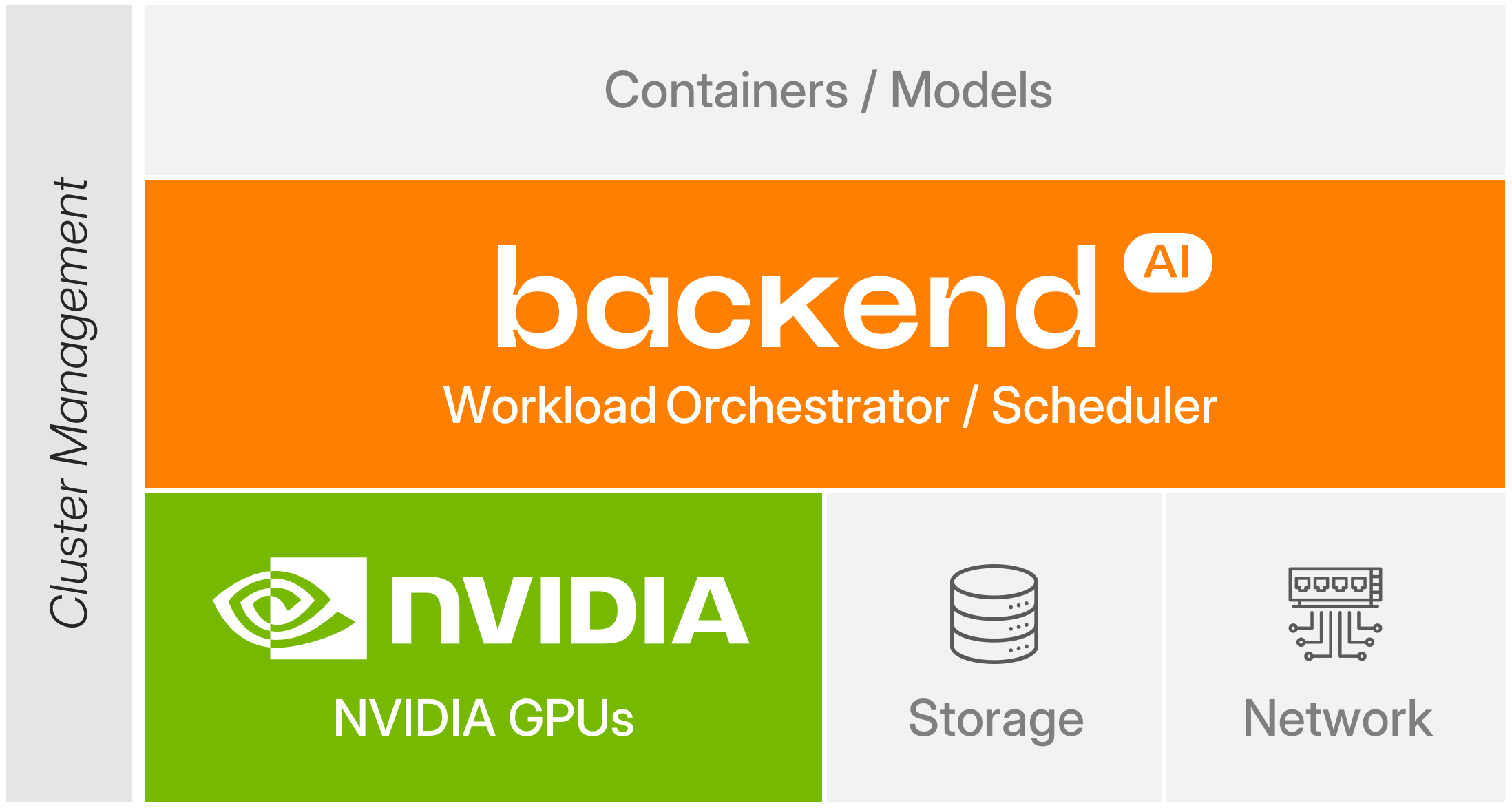
Backend.AI is validated as NVIDIA DGX™‑Ready Software, designed to unlock the full performance of DGX systems. Built on NVIDIA’s container runtime, it enhances enterprise‑grade AI operations. With advanced GPU sharing, fine‑grained allocation, and topology‑aware scheduling, teams can efficiently utilize resources and ensure stable, consistent performance across DGX clusters.
Proprietary CUDA virtualization layer: Container-level GPU virtualization
Backend.AI's in-house CUDA virtualization layer lets you split and merge GPUs at the container level with total flexibility. Share a single GPU across multiple users or aggregate several into one massive workload. This works perfectly for light tasks like education and inference as well as heavy model training. Lablup's internationally patented container-level GPU virtualization ensures the smartest, waste-free utilization of GPUs in AI and HPC environments.

Perfect integration with High-performance storage
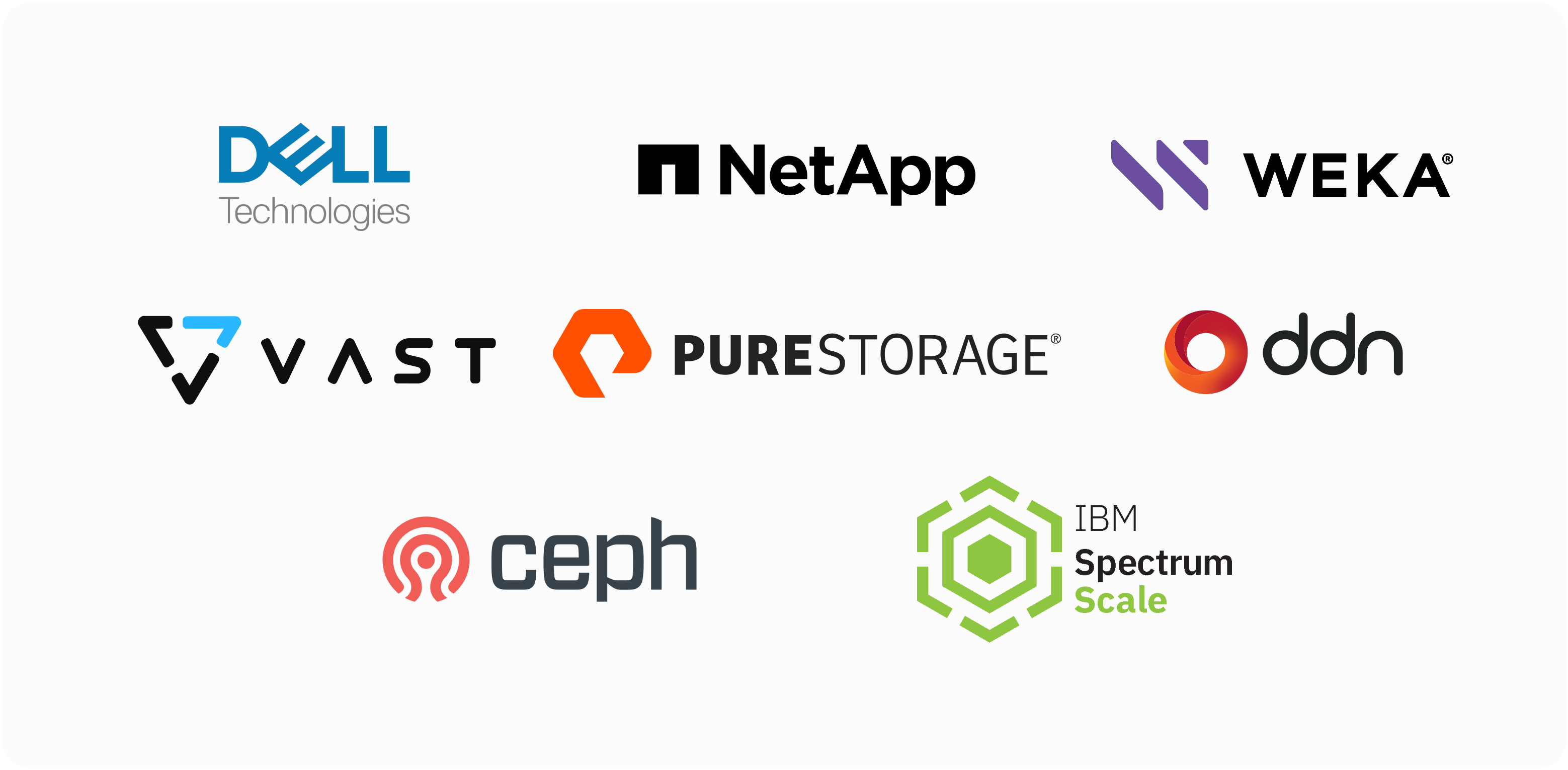
Backend.AI integrates seamlessly with high-performance storage systems for AI and HPC workloads. Vendor-optimized configurations ensure stable, efficient performance and unlock full storage potential. Use parallel file systems for throughput, distributed storage for scalability, and low-latency solutions for fast data loading, checkpointing, and result storage.
Easy infrastructure management via User-friendly WebUI
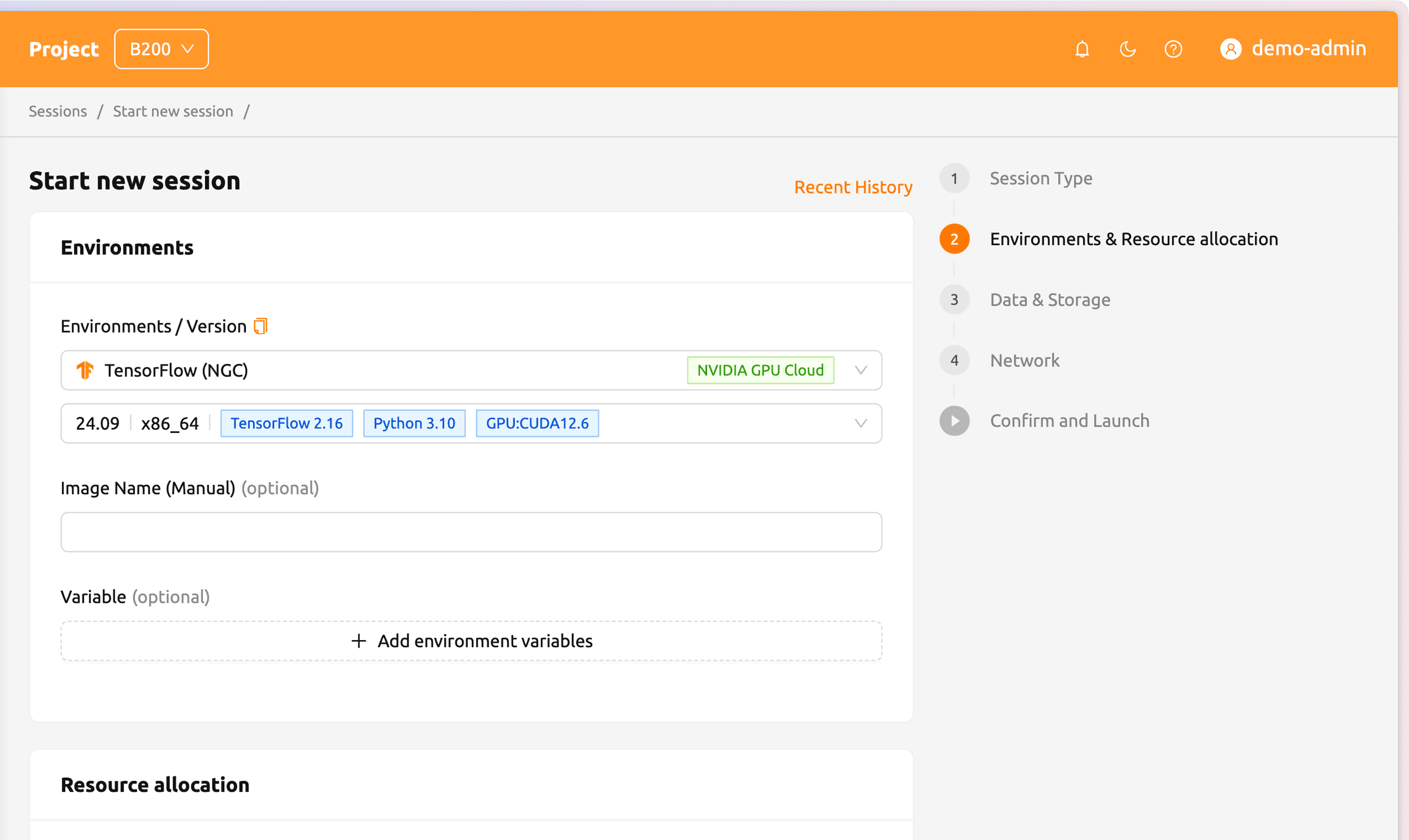
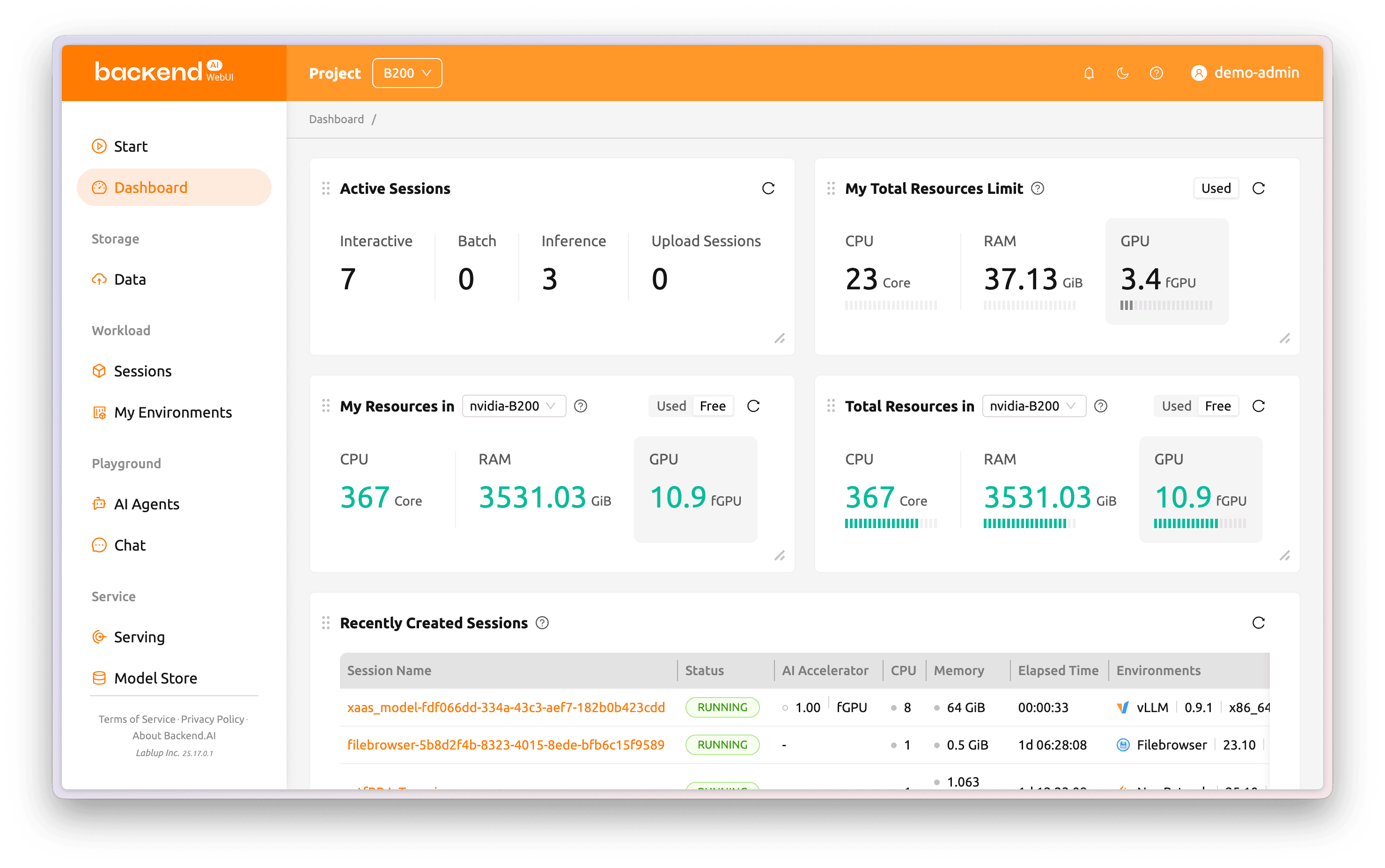
Backend.AI’s intuitive WebUI makes cluster monitoring and control simple and visual. View GPU, CPU, and memory usage with active sessions in real time. Manage sessions, adjust quotas, and set permissions per user, project, or tenant to handle complex policies easily. Developers and researchers can skip setup and dive straight into experiments and services.