Many LLMs. One gateway.
Continuum unifies commercial API models and the models you serve on your own GPUs behind a single endpoint.
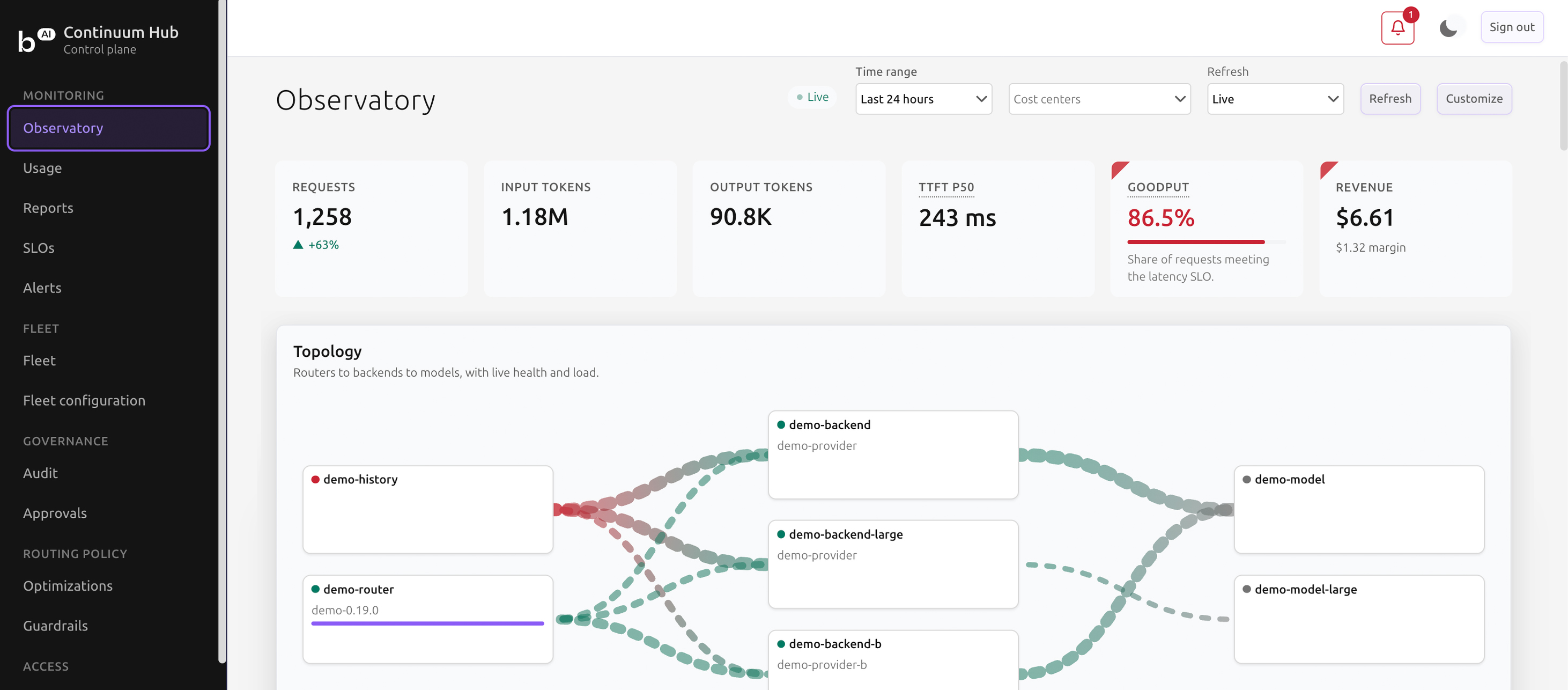
At a glance
One API for every model
Commercial API models and self-hosted models, such as a Backend.AI Cluster, are called through the same endpoint.
All trademarks are the property of their respective owners.
Why now
One model became many
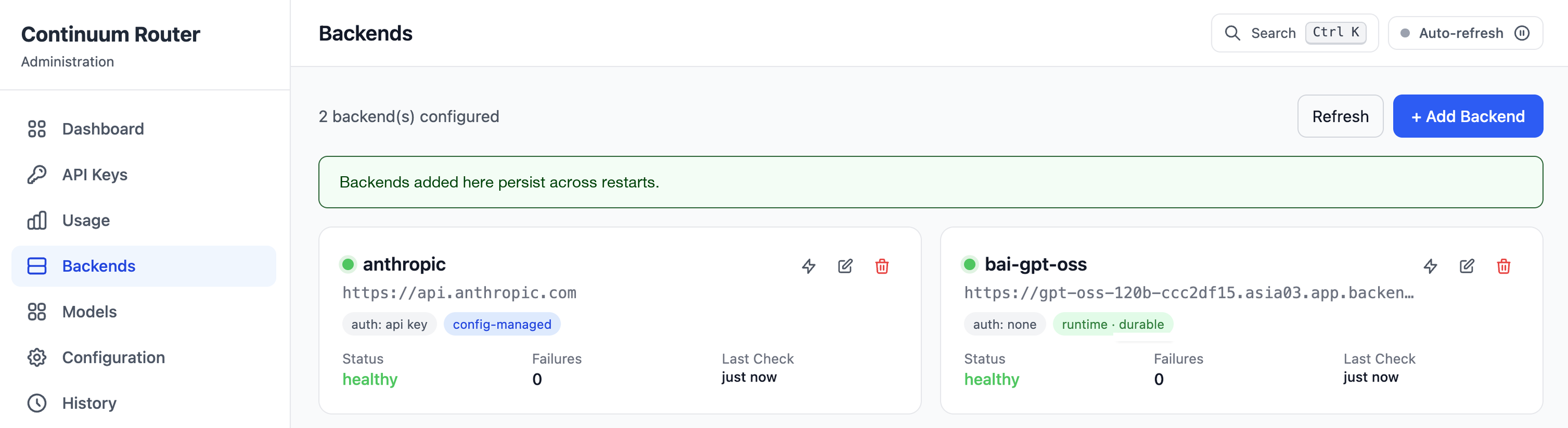
Continuum Router backends. The admin console is embedded in the binary.
Organizations tend to move from a single LLM to several models split by purpose. Every model added brings its own management surface: key issuance, a separate console, incident tracing, model swaps, cost attribution. Continuum collapses those surfaces into a single point, so key issuance, incident tracing, model swaps, and cost attribution are handled in one place no matter how many models are in use.
Architecture
A Router that carries requests, a Hub that governs Routers
Inference requests pass only through Continuum Router, the data plane. Continuum Hub sits outside that path as the control plane that manages many Routers in one place.
All trademarks are the property of their respective owners.
Continuum Router
Whatever you attach, one compatible API
Cloud provider APIs and self-hosted engines are unified behind one compatible API. 12 dedicated backend types are supported, and any service that exposes an OpenAI- or Anthropic-compatible endpoint, Backend.AI included, can be registered freely.
- Chat (chat·responses·messages)
- Embedding and rerank
- Image generation and editing
- File transfer and batch
- Realtime voice
- Model listing
Cache optimization
Caching that cuts model calls and recomputation
When a cached response exists, the Router returns it without calling the model. Otherwise it routes the request to the replica that holds the prefix cache, so the prefix is not recomputed.
Response cache
A cache that returns the stored response as is when the same request arrives again, without calling the model.
Shared external cache
An external cache store shared by several Router instances. If the store goes down, each instance falls back to its local response cache.
Prefix-aware routing
Routing that hashes the model name and the prompt prefix to send the request to the replica most likely to hold the cache.
KV index
An index that looks up, in real time, the actual KV cache residency reported by the model servers.
Token savings
The right model for each request, reused answers for similar ones
Smart routing keeps requests off the flagship model when a lighter one will do, and the semantic cache skips repeat calls. Both lower token usage and response time.
When a request names no model, or the environment does not allow it to, the Router picks a model that fits the complexity and nature of the request, so traffic does not pile onto one flagship model.
- Models registered in three tiers: Flagship, Standard, Lightweight
- Routing within the tier range set by policy
- Routing results previewed in the Playground
For questions with similar meaning, the Router reuses an answer it has already stored and skips the model call. No separate vector database is needed.
- Shared only among requests with the same API key, system prompt, model, and tool settings
- Questions blocked by guardrails are excluded from cache lookup
Failover
A response returned by a standby model
Give a model an ordered list of standby models. When the primary fails, the Router moves the request down the list and answers from the next one. Users still see the original model name, so their work stays consistent.
- A backend past the failure threshold is cut off, then probed later to confirm recovery
- Health checks drop a failing backend from routing and return it automatically
Operational control
From control on the request path to settlement by organization
The Router controls each request where it passes through, and the Hub settles the usage gathered there by organization and rolls out configuration from one place.
With Backend.AI
Continuum with Backend.AI, or on its own
Continuum can be adopted regardless of whether you run any other Lablup product. If you already operate a Backend.AI cluster, its serving endpoints register directly as Continuum backends.
Organizational controlContinuum Hub
LLM governance and billing per unit
LLM request operationsContinuum Router
Routing, access policy, API keys, limits, usage, and cost






Inference engines





Deployment steps
Continuum Enterprise, easy to adopt
Install the Router
You can install it on Linux (x86-64 / ARM64), macOS (Apple Silicon), or Windows.
- Release binary
- .deb package
- Container image
- Kubernetes (Kustomize / Helm)
Connect the endpoint
You can connect an application by changing only its endpoint address and key, with no change to existing code.
- OpenAI-compatible format
- Anthropic native format
Scale with the Hub
You can add the Hub when you run several Routers or need settlement by organization and team.
- Continuum Hub
- Redis / Valkey
- S3-compatible storage
- Air-gapped and segregated networks: Router-to-Hub traffic is outbound only, and the admin console is embedded in the binary.
- Prometheus metrics are exposed, and traces can be exported to an OpenTelemetry collector.
Requirements
Continuum on a small footprint
Sizing for a single deployment. For high availability, two or more Routers and a shared Redis or Valkey are recommended.
| Component | Minimum | Recommended |
|---|---|---|
| Router1 | 1 core / 64 MiB RAM | 2+ cores / 1 GiB+ RAM |
| Hub2 | 1 core / 128 MiB RAM | 2 cores / 4 GiB RAM |
| Shared state store3 | Not required | Redis or Valkey |
| Disk4 | 100 MB | - |
- Resident memory in operation measures 31 to 37 MiB (Continuum Router 1.22, internal measurement, August 2026)
- Recommended sizing assumes PostgreSQL on the same node
- For rate limiting and cache sharing across multiple Routers. A standalone Router needs no external database for rate limiting or concurrency control
- Size separately when the Files API is used
Solution briefs
Continuum solution briefs
Each brief covers the architecture, features, measured comparisons, and adoption criteria of one product.
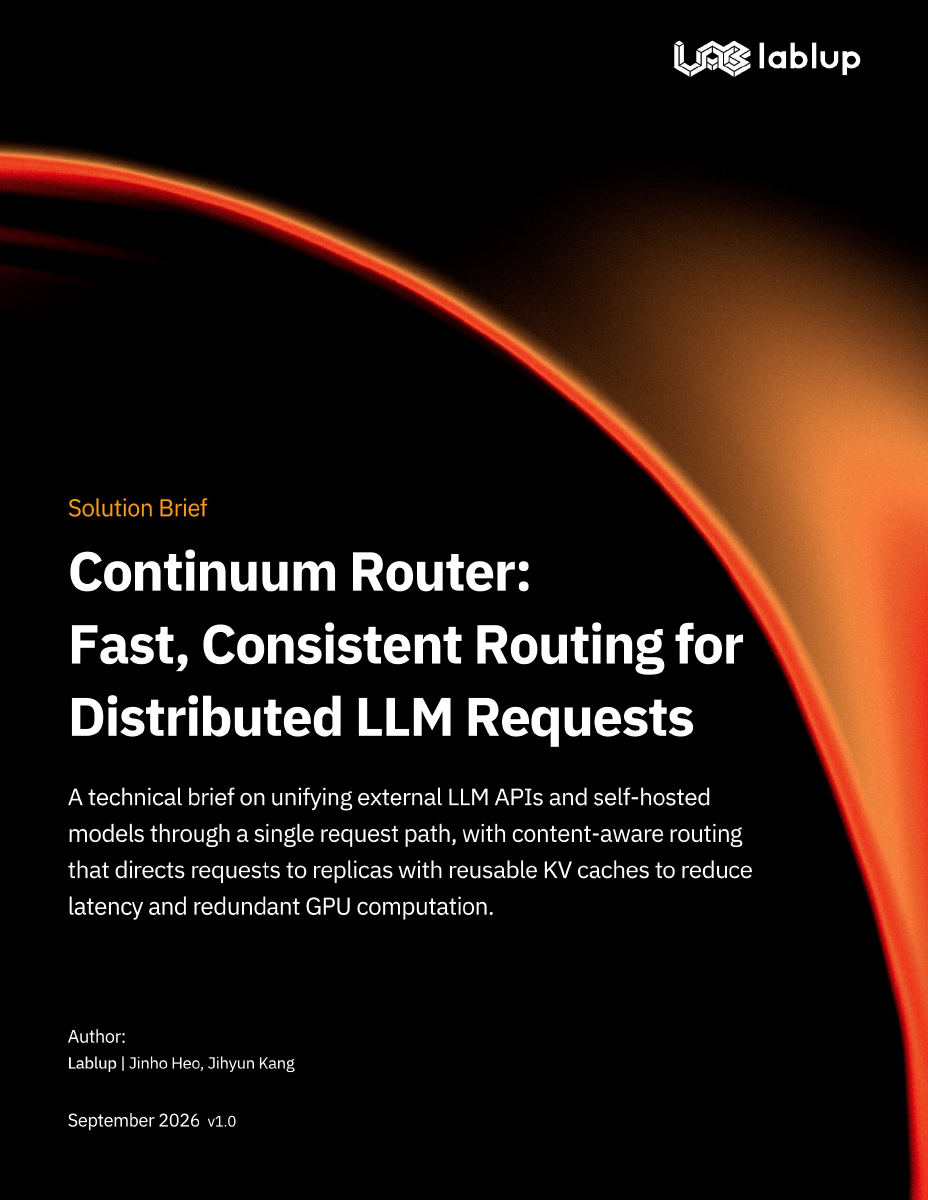
Solution brief
Continuum Router: Fast, Consistent Routing for Distributed LLM Requests
Continuum Router's architecture, routing and policy features, and adoption criteria
Read the brief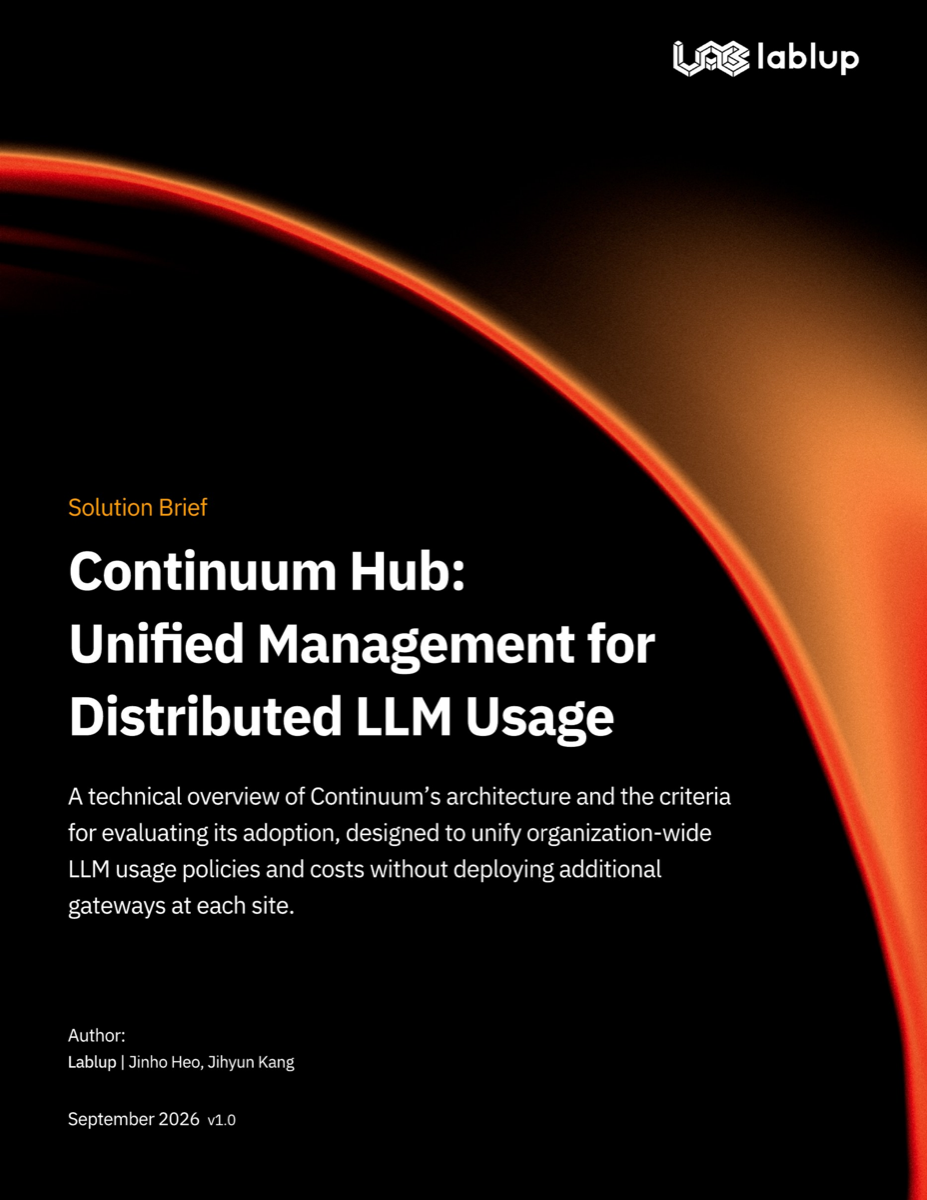
Solution brief
Continuum Hub: Unified Management for Distributed LLM Usage
Continuum's architecture, governance features, and adoption criteria
Read the briefSee LLM operations unified behind one gateway
Connect Continuum to the services you already run and call every model through one endpoint.
